

Cameras & Retention Engine
Managing thousands of hours of high-resolution video requires precise disk governance. OpenNVR utilizes a dynamic, policy-driven retention engine that allows you to cleanly dictate the lifecycle of video fragments across different camera streams.
Establishing Endpoints
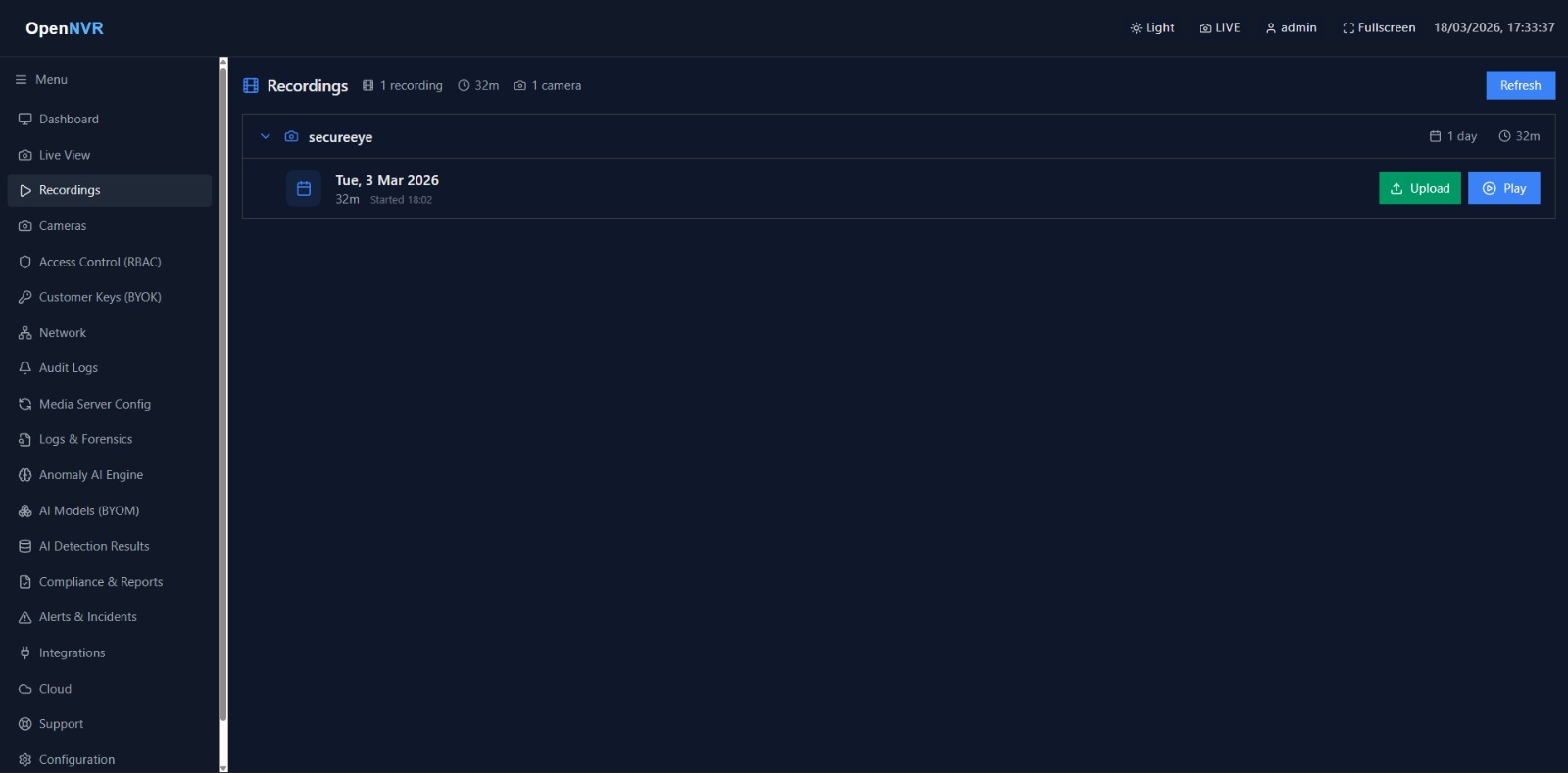
OpenNVR can consume nearly any continuous video format by establishing a dynamic ingest socket.
- Access Cameras → Add Camera via the dashboard.
- Provide a logical system identifier.
- Supply the primary stream URI (
rtsp://,rtmps://,http://). - Select the specific ONVIF/RTSP credentials required for authentication.
Once saved, the Python backend immediately negotiates the stream via MediaMTX and begins pulling video frames.
Dynamic Retention Policies
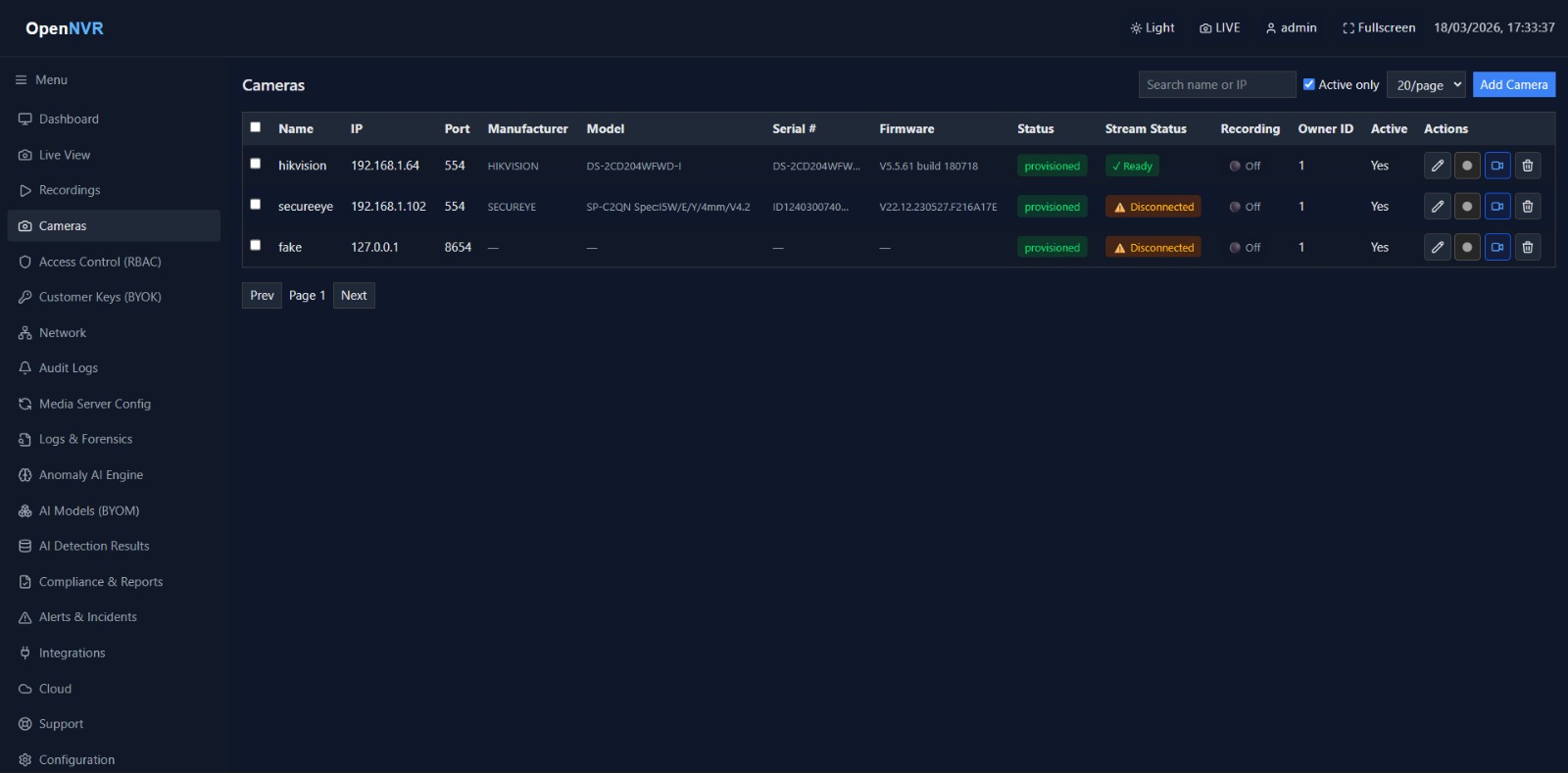
Instead of manually clearing disks when they hit 100% capacity, OpenNVR automatically prunes the oldest chronological segments that fall outside your mandated retention policies.
- Continuous Storage Allocation: Dictates how long standard, non-event 24/7 video is kept on the disk (e.g.,
7 Days). - Event-Driven Allocation: Dictates how long video segments explicitly flagged by AI adapters (e.g., Person Detected, Unauthorized Face) are kept before pruning (e.g.,
30 Days).
Assigning Global Policies
- Inside a camera’s configuration panel, modify the Retention Strategy.
- Assign the specific continuous and event boundaries.
- The core engine applies this immediately to all newly recorded segments. Older segments will be retroactively evaluated on the next system sweep.
[!WARNING] Setting excessively long retention windows without having thoroughly mapped external Storage Volumes (NAS/SAN) will result in rapid container volume exhaustion.