

Live View & Auto-Discovery
OpenNVR is built not just for secure retention, but for massive, multi-megapixel real-time monitoring. The Live View dashboard leverages sub-millisecond WebRTC tunnels to project your camera streams securely to the browser.
ONVIF Auto-Discovery
Adding cameras manually across a massive enterprise campus is tedious. OpenNVR actively implements ONVIF WS-Discovery protocols to scan your logical subnet and automatically bind compatible endpoints.
- Navigate to Live View → Add Camera → Scan.
- The core NVR engine will cast a secure UDP Multicast probe across the local network.
- The dashboard will populate a matrix of discovered cameras. Select a hardware endpoint, supply the required authentication credentials, and bind it to the ecosystem.
Architectural Constraints (Docker Bridge vs. Host)
Network isolation mechanisms dictate how effectively the ONVIF broadcast can penetrate your subnets:
- Docker Bridge (macOS/Windows): The NVR sits inside a virtualized Docker overlay network. Auto-discovery is functionally isolated to the internal Docker bridge. Manual RTSP injection is required.
- Linux Host Networking (Recommended): The NVR shares the host’s exact physical
eth0network space. The UDP Multicast probe successfully reaches all physical cameras attached to the local switch.
Manual RTSP Injection
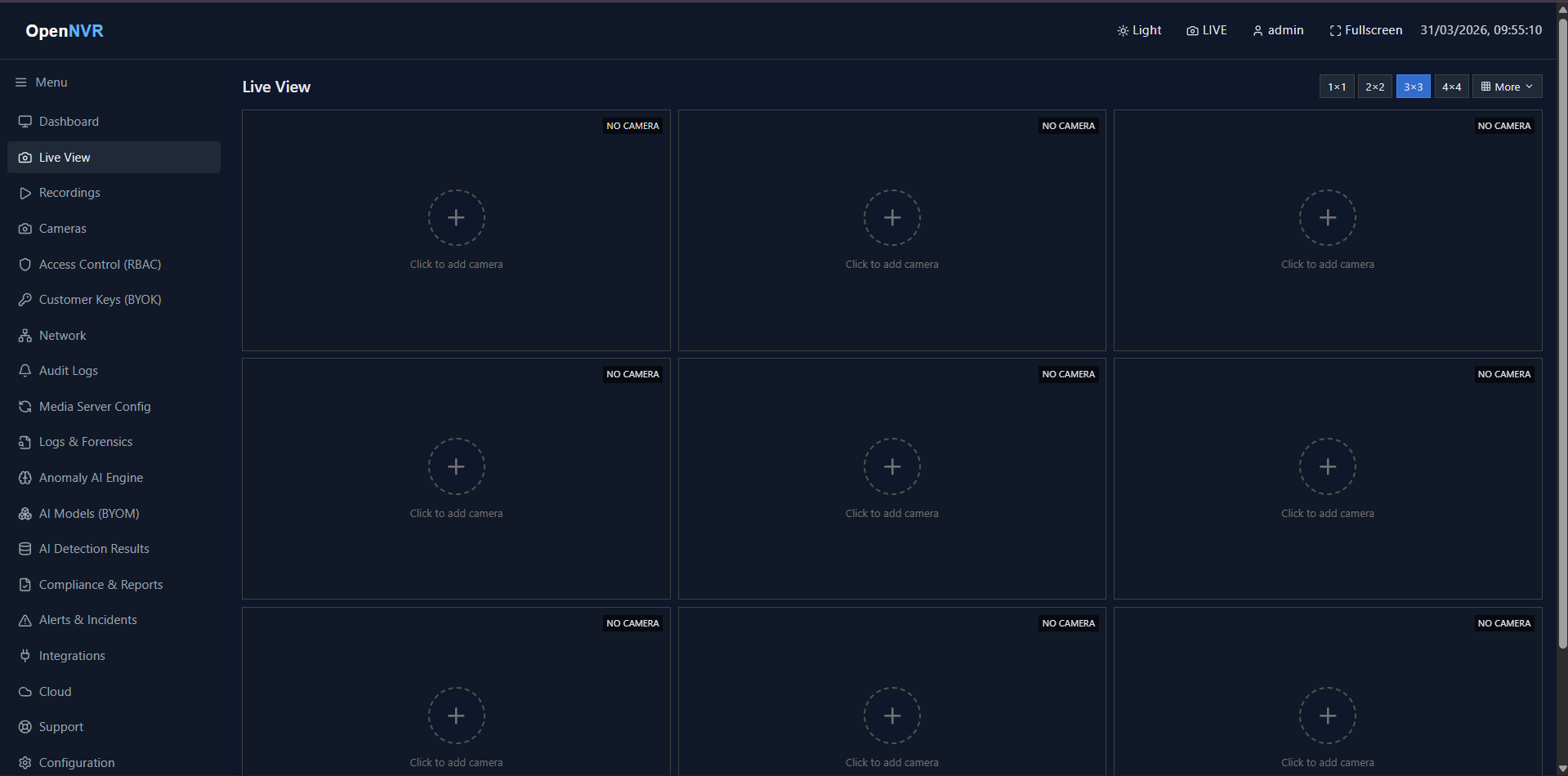
If your cameras reside across complex enterprise VLANs that block multicast traffic, you can seamlessly establish endpoints manually.
- Access Add Camera.
- Manually inject the raw stream URI (
rtsp://,rtmps://, or HTTP variations). - The internal FastAPI engine will validate the connection and dynamically establish the proxy tunnels inside MediaMTX.
Troubleshooting Real-Time Feeds
If a stream tile fails to render inside the WebRTC canvas:
- External Firewall Block: Ensure the browser can actively negotiate WHEP (WebRTC HTTP Egress Protocol) over port
8889or8189. - MediaMTX JWKS Failure: Verify that the MediaMTX proxy layer has successfully verified the cryptographic JWT token from the Core backend.