Home Assistant with nothing to install: OpenNVR's MQTT discovery
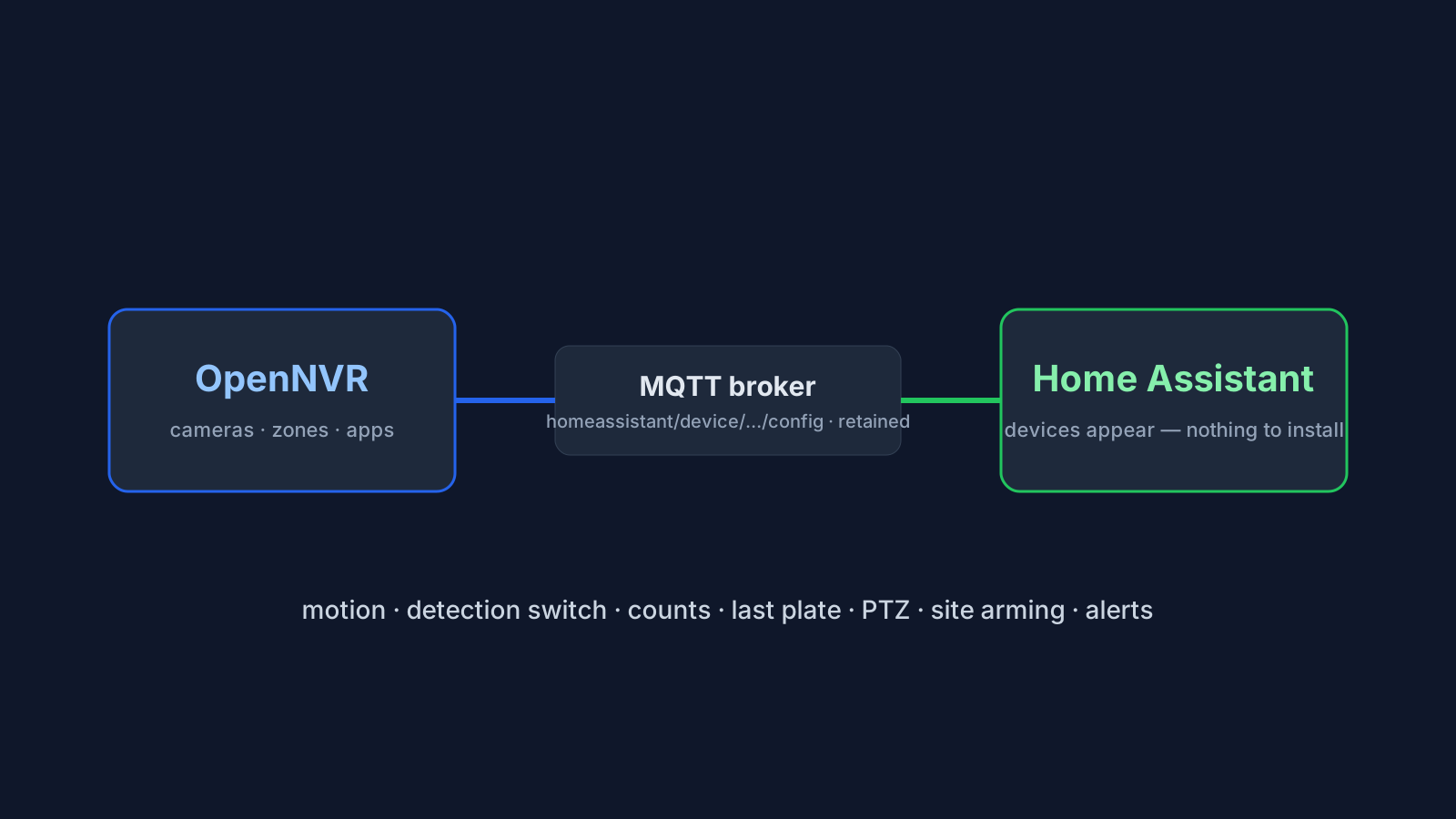
If you run Home Assistant, you already have an MQTT broker, and Home Assistant already knows how to discover devices on it. So the shortest path from an NVR to your dashboards is not an integration you install — it is the NVR describing itself on the broker. That is what OpenNVR does.
What appears
Turn it on and Home Assistant's MQTT integration lists one device for the server, one per camera, one per zone and one per application that declares entities. The server has CPU, memory and storage, unacknowledged alerts, an acknowledge all button and the site mode as an alarm panel. Each camera has online, motion, a detection switch, a recording switch, last object, last plate, counts per class, PTZ buttons and diagnostics. Zones have occupancy. Apps bring whatever their manifest declares — Occupancy's levels, Guard Scan's compliance rate.
The catalogue is not hand-written twice. The server describes its entities once, and both the native integration and MQTT discovery render that description. A new app or feature reaches Home Assistant with no Home Assistant release.
How it works
OpenNVR publishes one retained discovery message per device using Home Assistant's device-based discovery, states as retained plain values, attributes as JSON, and a Last Will so the devices go unavailable if the server dies. Commands come back on .../set:
homeassistant/device/opennvr_<site>_camera_1/config   discovery, retained
opennvr/<site>/status                                online | offline (Last Will)
opennvr/<site>/camera.1.detection/state              ON | OFF, retained
opennvr/<site>/camera.1.detection/set                command
opennvr/<site>/camera.1.detections/event             CloudEvents 1.0 per detection
Inside OpenNVR the bridge is a standing session: it re-publishes discovery when Home Assistant announces itself, removes components that disappear, pushes state changes as they happen, and — since this week — carries alerts over the same session instead of opening a connection per alert.
Why it is safe to switch on
- It acts as a token you scope. The integration runs as an API token. What is published is what the token may see; what runs is what it may do. No
cameras.manage, no switches. Revoke the token and the devices go offline within a minute. - The broker is the boundary. Anyone who can publish to it can send what the token allows — so it needs credentials, and the docs say so plainly. Retained commands are ignored; commands are rate-limited; each one is audited as
mqtt:<integration>. - Secrets stay secret. The broker password is encrypted at rest with the same key that protects camera passwords, and the API only ever shows a mask.
- Leaving is clean. Delete the integration and OpenNVR clears every retained topic it left; Home Assistant drops the devices.
And when you want more
MQTT gives you sensors and controls. The native OpenNVR integration adds live video over WebRTC, snapshots, a media browser for recordings and clips, services, and phone notifications with the picture attached. It is built and tested; it becomes installable through HACS as soon as its client library is published. Use one path or the other — the integration warns if it finds both.
Setup, automations and troubleshooting are in the Home Assistant user guide.