Skills follow apps: how one detector stream feeds twelve applications
Most AI camera systems make the same expensive mistake: every feature runs its own inference. Install a people counter and a loitering detector and a plate reader, and three models are now decoding the same stream three times. Add a fourth and the box is on fire. OpenNVR is built the other way round, and this post is about the one rule that makes it work: skills follow apps.
One detector, many subscribers
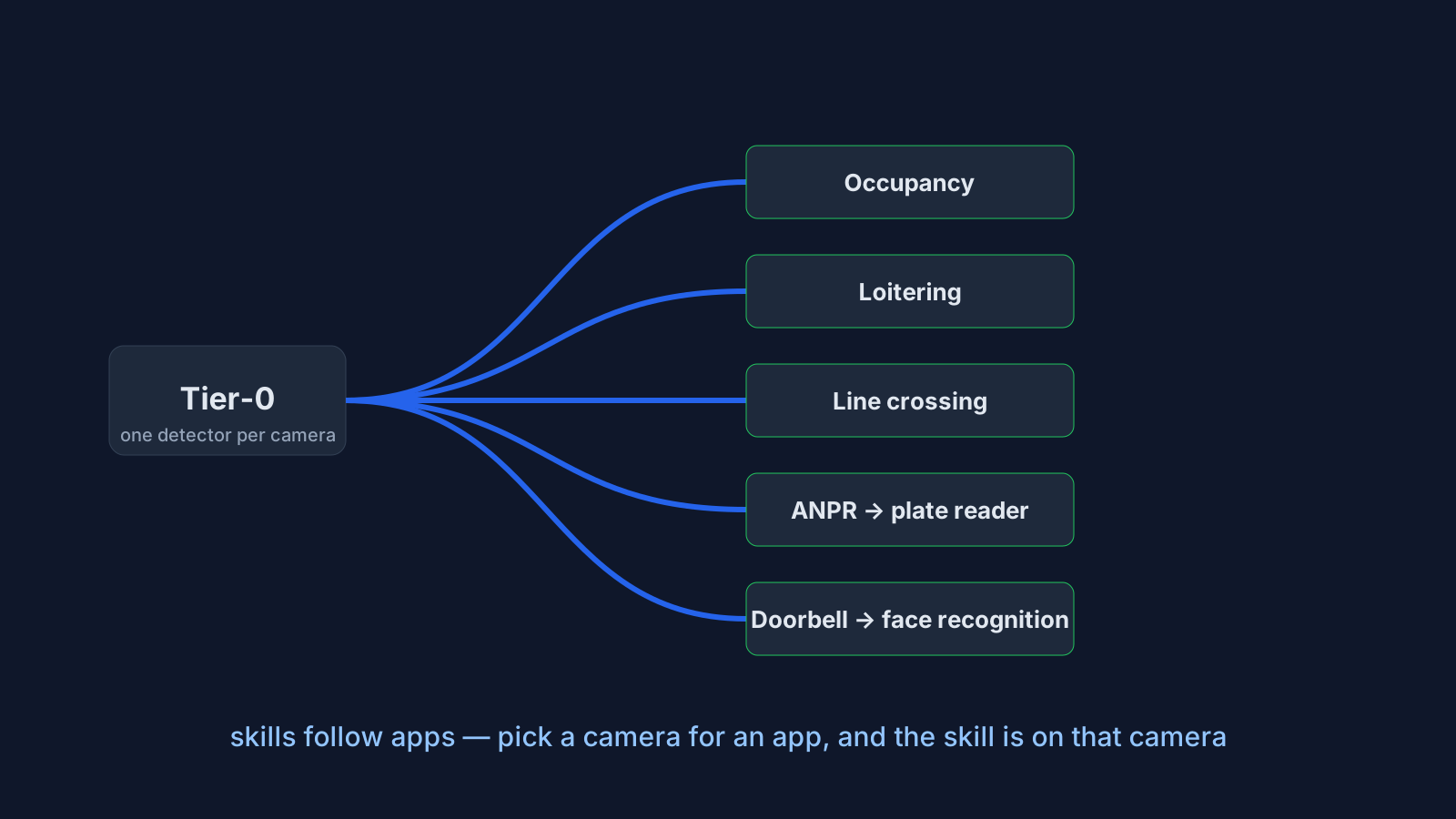
Every camera in OpenNVR runs a single, cheap, always-on detector — we call it Tier-0. It decodes a sub-stream, runs motion gating, a small YOLO on the regions that matter, tracks objects across frames and keeps the sharpest crop of each track. What it publishes is not a picture but a fact: person, track 41, here, since 14:02:10, on a message bus every application can subscribe to.
Applications are rules, not models. The loitering app never runs a model; it watches Tier-0's tracks and fires when one has stayed inside a zone for too long. The occupancy app counts the same tracks. Twelve apps cost the same CPU as one, because they all read one stream.
Where the expensive models go
Some questions need more than a class label — a plate, a face, a description of the scene. Those run through adapters: any model behind a small HTTP contract, governed by a gateway that resolves the model by name, audits every call and threads a correlation id from the alert back to the inference. They are not called per frame. They are called once, on the best frame Tier-0 already kept, and only on cameras that asked for them.
Which cameras asked? The ones an app was pointed at
This is the rule. A camera carries exactly the skills the enabled applications using it bring — nothing more, and nothing assigned by hand on the camera itself. Each app's manifest says what it needs and what it uses:
MANIFEST = AppManifest(
    id="smart-doorbell",
    requires_tasks=["face_recognition"],          # cannot run without it
    ...
)

MANIFEST = AppManifest(
    id="footage-search",
    enrich_tasks=["image_captioning", "embed"],   # uses it when the box has it
    ...
)
Select cam1 for the doorbell and face_recognition joins cam1's skill set. Select it for Footage Search and image_captioning and embed join too — which is what switches the platform's own captioner and embedder on for that camera. Select it for two apps that both need object_detection and the skill is there once, with two consumers. Disable one app and its skills leave, unless another enabled app still brings them. Uninstall, and they are released with the camera picks.
- No hidden bills. A thirty-camera site does not pay for captions on thirty cameras to describe one gate. Inference runs where an app was pointed.
- No hidden state. The camera page shows who uses the camera and what that brings; the app page shows its cameras and skills. Nothing to remember, nothing to sync.
- One exception, declared. The conversational agent declares
all_cameras— the platform selects every camera for it, because you can ask it about any of them. That, too, is a pick in the same table, and an operator allowlist decides which apps may claim it.
What this bought us this week
Search used to answer "did you see a blue car" with every car, because the colour never reached the store: the skill that describes colours was registered but no camera carried it. Under the new rule the agent brings visual question answering to every camera it can be asked about, so the colour claims exist, and the question is answered from them — with the photos. Nothing was assigned; an app was enabled.
If you build on OpenNVR, the takeaway is small: declare what your app needs in its manifest and let the platform do the plumbing. The full write-up is in docs/CAMERA_ASSIGNMENTS.md, and the app generator gets you a running app with one method to fill in.